
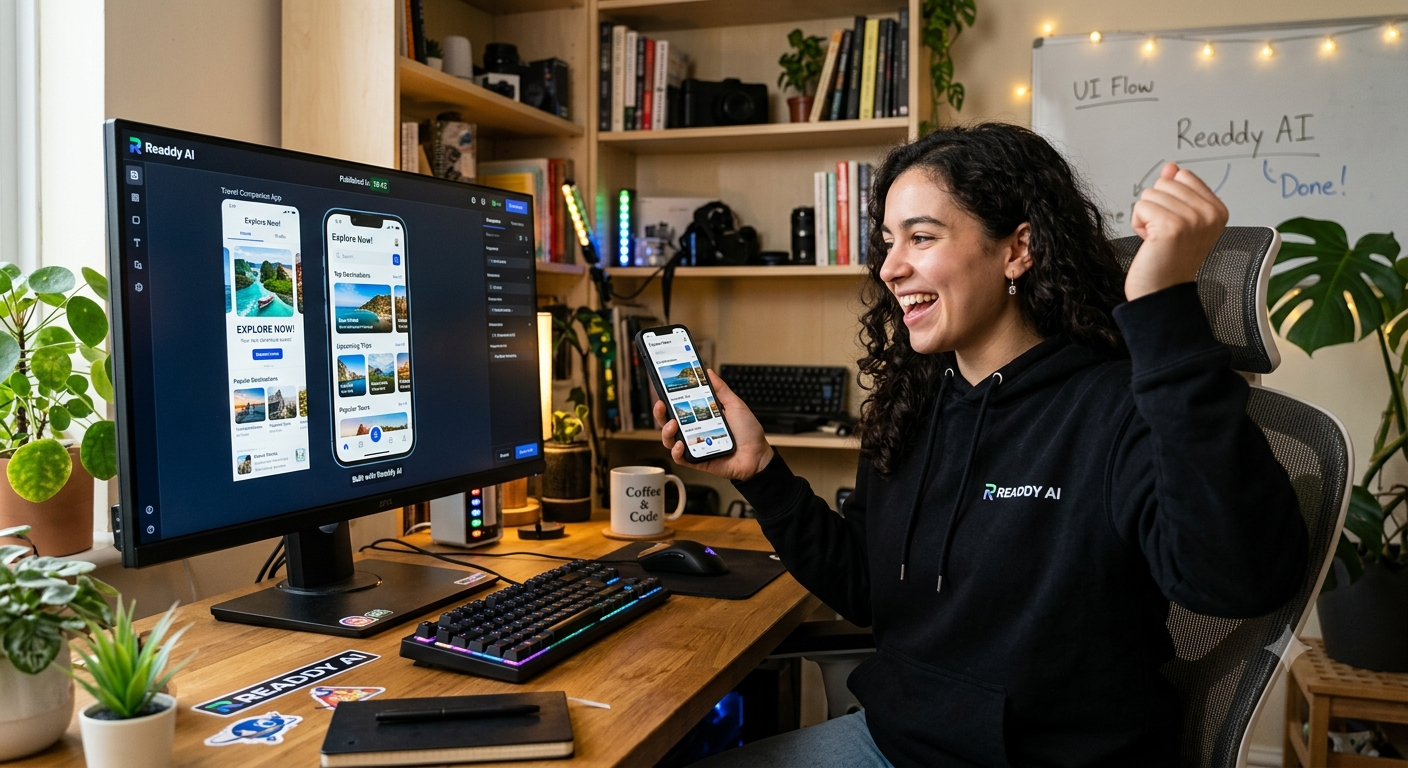
Building a polished app interface used to mean hours of wireframing, designing screens, choosing colors, adjusting layouts, and going back and forth between different design tools.
But AI is changing that.
I recently tested Readdy AI to see how quickly I could go from a simple idea to a usable app UI, and the result was surprisingly fast.
The entire process took about 20 minutes.
Here’s what happened.
What Is Readdy AI?
Readdy AI is an AI-powered tool designed to help you create website and app interfaces without having to manually design every element from scratch.
Instead of starting with a blank canvas, you can describe what you want to build and let AI generate the initial interface for you.
This makes it particularly interesting for:
- Entrepreneurs
- Startup founders
- App developers
- Product designers
- Marketers
- Freelancers
- Small businesses
- People validating new app ideas
The biggest appeal is simple: you can start with an idea instead of a blank screen.
My Goal: Build an App UI in 20 Minutes
For the test, I wanted to see whether I could create a professional-looking app interface without spending hours inside a traditional design program.
I started with a relatively simple concept: a modern productivity app.
Rather than worrying about fonts, spacing, navigation bars, buttons, cards, and color schemes individually, I described the type of application I wanted.
The AI then generated the interface based on the description.
And that’s where things got interesting.
Step 1: Start With an Idea
The first step was simply figuring out what I wanted the app to look like.
Instead of creating a detailed wireframe beforehand, I focused on describing:
- The purpose of the app
- The target user
- The main screens
- The overall design style
- The functionality I wanted
- The type of navigation
This is one of the biggest advantages of an AI-powered design workflow.
You don’t necessarily need to know exactly how every screen should be designed before you start.
You can begin with the concept and refine it as you go.
Step 2: Let AI Generate the Interface
Once I provided the concept, Readdy AI generated the initial UI.
Within minutes, I had something that actually looked like an app rather than a collection of notes describing what an app could eventually become.
The generated design included elements such as navigation, buttons, cards, sections, and content layouts.
It wasn’t necessarily the final version I wanted, but that wasn’t really the point.
The goal was to get from zero → something usable as quickly as possible.
And it did that extremely well.
Step 3: Refine the Design
This is where AI design tools become particularly useful.
Instead of rebuilding the interface from scratch when something wasn’t quite right, I could refine the concept.
I could change things like:
- Layout
- Colors
- Sections
- Components
- Navigation
- Content
- Overall visual style
This allowed me to treat the AI-generated interface as a starting point rather than a finished product.
That’s an important distinction.
AI doesn’t have to replace the designer.
It can simply eliminate a lot of the repetitive work that normally happens before the designer gets to the interesting part.
Step 4: Experiment With Different Ideas
One of my favorite parts of the process was being able to experiment.
Normally, trying multiple app concepts can become time-consuming.
You might spend an hour creating a design, realize the concept doesn’t work, and then have to start over.
With AI, the barrier to experimentation is much lower.
You can try an idea.
Change it.
Try another layout.
Add another screen.
Change the style.
Then see what works.
That makes tools like Readdy AI especially useful during the idea validation stage of a project.
What Took 20 Minutes?
The 20-minute experiment wasn’t about creating a fully production-ready application from scratch.
Instead, I wanted to see how quickly I could create a convincing app UI concept.
And that’s where the tool really impressed me.
In roughly 20 minutes, I went from:
“I have an idea for an app.”
to:
“Here’s what the app could actually look like.”
That’s a huge difference.
Why This Is Useful for Entrepreneurs
You don’t necessarily need to be a professional designer to benefit from AI-generated interfaces.
Imagine you have an app idea but aren’t sure whether it’s worth paying a designer or developer to build.
Instead of immediately spending thousands of dollars, you could create an initial visual concept.
That gives you something tangible to show:
- Potential customers
- Business partners
- Investors
- Developers
- Designers
- Your team
A visual prototype can communicate an idea much faster than a paragraph describing it.
It’s Also Useful for Developers
Developers can benefit from this workflow too.
Instead of starting development without a clear visual direction, you can create an initial UI concept first.
That can help answer questions such as:
What screens do we need?
How should users navigate the app?
What information belongs on the dashboard?
What should the overall interface look like?
Having these decisions visualized before development begins can potentially save significant time later.
What I Liked About Readdy AI
After my 20-minute experiment, a few things stood out.
1. It’s Fast
The biggest advantage is obviously speed.
Creating an initial interface manually can take significantly longer than generating one with AI.
2. It Helps You Get Past the Blank Canvas
One of the hardest parts of design can simply be getting started.
AI gives you something to work with immediately.
Even if the first version isn’t perfect, you now have a direction.
3. It’s Great for Prototyping
If you’re testing an idea, speed matters.
Being able to create an interface quickly means you can experiment with more ideas before committing significant resources.
4. You Can Iterate
The first design doesn’t have to be the final design.
You can continue refining the interface until it gets closer to what you’re looking for.
What I Didn’t Like
AI-generated designs aren’t automatically perfect.
You still need to review the results and make decisions about the user experience.
Sometimes you’ll want to adjust layouts, simplify screens, change colors, or rethink how users move through the application.
In other words, AI can dramatically speed up the design process, but human judgment is still important.
That’s actually a good thing.
The best workflow isn’t necessarily:
AI creates everything → human does nothing.
It’s more like:
Human has the idea → AI creates the starting point → human improves it.
Who Should Try Readdy AI?
I’d particularly recommend checking out Readdy AI if you’re:
- Building an app startup
- Testing a SaaS idea
- Creating a website
- Designing an MVP
- A developer who doesn’t specialize in UI design
- A freelancer creating client concepts
- A marketer who needs landing page ideas
- An entrepreneur validating a business idea
You don’t have to be an experienced designer to experiment with it.
The Bigger Picture
The most interesting part of tools like Readdy AI isn’t simply that they can generate attractive interfaces.
It’s how they change the economics of experimentation.
Previously, creating a visual prototype required time, design skills, and often expensive software or professional assistance.
AI dramatically lowers that barrier.
Now someone with a business idea can potentially create a visual representation of that idea in minutes.
That means more people can experiment.
More ideas can be tested.
And bad ideas can potentially be discarded before significant money is spent building them.
My 20-Minute Verdict
Could I build a completely finished, production-ready app in 20 minutes?
No.
But could I create a convincing app UI concept in about 20 minutes?
Absolutely.
And that’s what makes Readdy AI interesting.
It’s not about eliminating the entire design and development process.
It’s about dramatically speeding up the first stage.
If you have an app idea sitting in your head or sitting in a notebook, an AI design tool can help turn that idea into something you can actually see.
And sometimes, seeing the idea is the first step toward building it.
Want to Try It?
If you want to experiment with AI-generated app and website interfaces yourself, you can check out Readdy AI and see what you can create.
20 minutes might be all it takes to turn your next app idea into a visual prototype.
Leave a Reply