
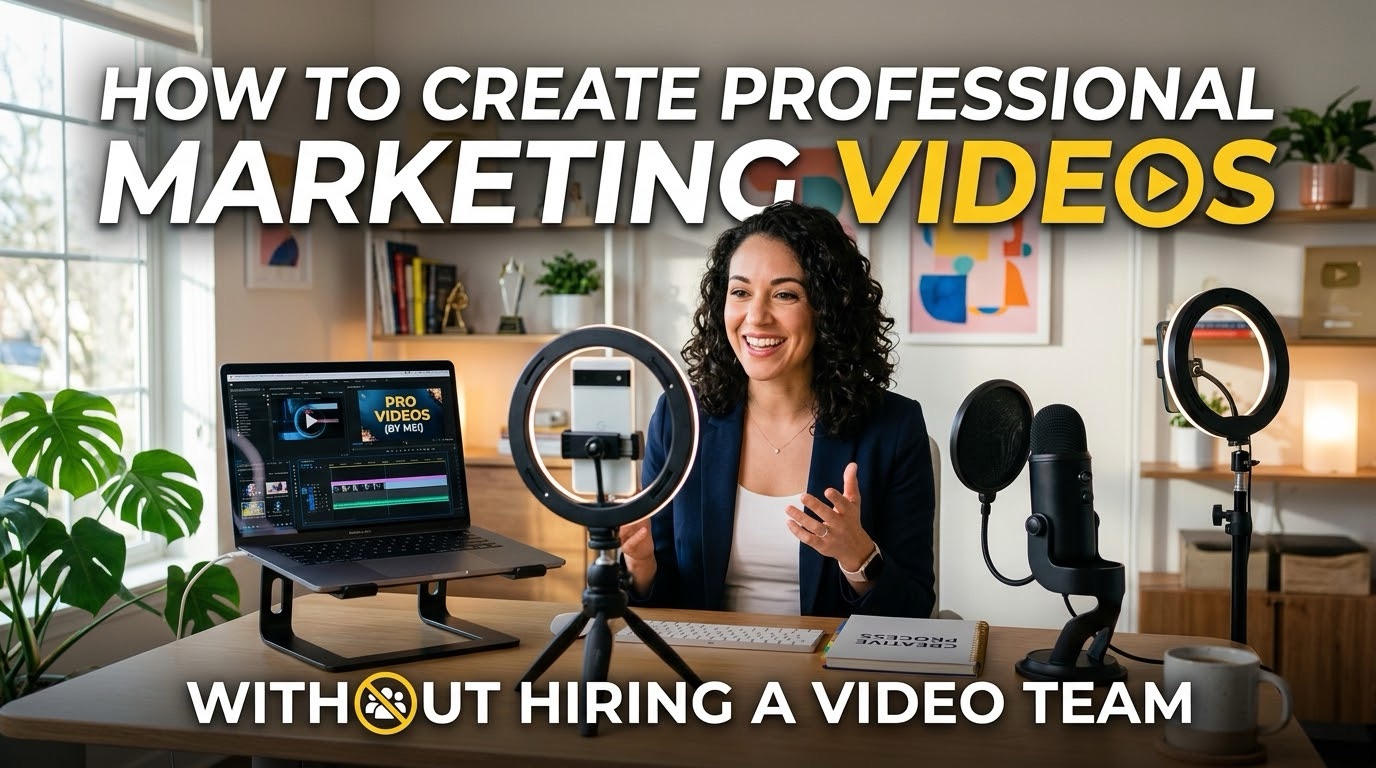
Creating professional marketing videos used to require expensive cameras, video editors, voice actors, graphic designers, and hours of editing.
Today, that’s no longer necessarily the case.
AI video generators can help businesses turn simple ideas, written scripts, blog posts, product information, and other content into polished marketing videos without needing a dedicated video production team.
For small businesses, contractors, marketers, agencies, coaches, e-commerce brands, and content creators, this can make video marketing significantly more accessible.
In this guide, we’ll look at how you can use AI to create professional marketing videos from start to finish using tools like Zebracat AI and Deevid.
Why Video Marketing Is So Important
Video is one of the most effective ways to capture attention online.
Whether you’re promoting a service, launching a product, explaining an idea, or building your brand, video gives you an opportunity to communicate your message quickly while making your content more engaging.
The problem?
Traditional video production can be expensive and time-consuming.
A typical marketing video might require:
- Scriptwriting
- Filming
- Lighting
- Cameras
- Voiceovers
- Video editing
- Music
- Graphics
- Captions
- Revisions
- Multiple people involved in production
For a small business, hiring a professional video team for every piece of content simply isn’t practical.
AI video tools can dramatically simplify that workflow.
Step 1: Start With Your Marketing Goal
Before opening an AI video generator, decide what you actually want the video to accomplish.
For example, you could create a video designed to:
- Generate leads
- Promote a product
- Explain a service
- Drive website traffic
- Promote a special offer
- Build brand awareness
- Educate customers
- Create social media content
- Promote a blog post
- Generate sales
Your objective should determine the structure of the video.
Example
Instead of creating a generic video about your company, a contractor could create:
“5 Reasons Your Roof Might Need to Be Replaced Before Winter.”
That gives the viewer a reason to watch while naturally creating an opportunity to promote the company’s roofing services.
Step 2: Create a Strong Video Script
You don’t need to be a professional copywriter to create a good marketing video.
AI can help you develop the script.
A simple marketing video structure is:
1. Hook
Grab the viewer’s attention immediately.
Example:
“If you’re a homeowner, ignoring these three warning signs could cost you thousands.”
2. Problem
Explain the problem your audience is experiencing.
3. Solution
Show how your product or service solves the problem.
4. Benefits
Explain why your solution is valuable.
5. Call to Action
Tell the viewer exactly what to do next.
For example:
“Visit our website to book your free consultation.”
The goal isn’t to cram as much information as possible into the video.
It’s to get the viewer interested enough to take the next step.
Step 3: Turn Your Script Into a Video With Zebracat AI
One of the easiest ways to turn written content into marketing videos is with Zebracat AI.
Zebracat is designed specifically around AI-powered video creation and can generate videos from prompts, scripts, URLs, audio, and other content.
It offers features including AI-generated scripts, AI voices, AI avatars, text-to-video creation, automatic captions, AI editing, and blog-to-video capabilities. (Zebracat)
That makes it particularly useful for businesses that already have written marketing content.
For example, you could take an existing blog post and turn it into a video rather than creating an entirely new piece of content from scratch.
Zebracat also supports different formats, including vertical videos for platforms such as TikTok, Instagram Reels, and YouTube Shorts, as well as horizontal videos for YouTube and longer-form content. (help.zebracat.ai)
A Simple Zebracat Workflow
You could create a marketing video by:
Step 1: Enter your idea or script.
Step 2: Select your desired video format.
Step 3: Choose your voice and visual style.
Step 4: Let the AI generate the video.
Step 5: Review and customize the result.
Step 6: Add your branding and call to action.
Step 7: Export the finished video.
Zebracat also has a prompt-to-video workflow, meaning you can describe the video you want without necessarily writing the entire script yourself. (help.zebracat.ai)
Step 4: Create Product and Advertising Videos With Deevid
Another AI video platform worth exploring is Deevid.
Deevid positions itself as an AI creative and production platform covering video, images, avatars, voice, and music.
It allows users to work from different types of inputs, including text, photos, video, and audio. (deevid.ai)
This makes it useful for businesses that want to experiment with different types of marketing content.
For example, an e-commerce business could potentially use a product image as the starting point for a promotional video.
A marketing agency could create social media content from written concepts.
A service business could turn an existing piece of content into a visual advertisement.
The platform also includes AI advertising capabilities and an editing canvas designed to give users more control over individual edits. (deevid.ai)
Step 5: Add Your Brand
One of the biggest mistakes businesses make with AI-generated content is allowing every video to look completely different.
Your videos should feel like they’re coming from the same company.
Consider incorporating:
- Your logo
- Brand colours
- Consistent fonts
- Your website
- Your tagline
- Consistent voice
- Consistent visual style
- A recognizable call to action
For example, if you’re a home-services company, your videos might consistently use the same logo, colours, voice style, and CTA.
Over time, this creates brand recognition.
Step 6: Keep Your Videos Short and Focused
You don’t need a 10-minute video to promote your business.
In many cases, shorter videos can be easier to consume and repurpose across multiple platforms.
Try creating different versions of the same marketing concept.
For example:
Long Version
A 2–5 minute YouTube video explaining a service.
Short Version
A 30–60 second version for social media.
Shortest Version
A 15–30 second video focused exclusively on the hook and CTA.
This allows you to get significantly more content from one marketing idea.
Step 7: Add Captions
Don’t rely entirely on audio.
Many people consume social media content without sound, which makes captions extremely important.
AI-powered captioning can save you from manually transcribing and timing every line.
Zebracat, for example, includes automatic captioning as part of its AI video creation features. (Zebracat)
Make sure your captions are:
- Easy to read
- Large enough on mobile
- Properly timed
- Not covering important visuals
- Consistent with your branding
Step 8: End With a Strong Call to Action
A marketing video shouldn’t simply end.
Tell the viewer what you want them to do.
Your CTA could be:
“Visit our website to learn more.”
“Book your free consultation today.”
“Get your quote now.”
“Download our free guide.”
“Shop the collection.”
“Follow us for more tips.”
The CTA should match the purpose of the video.
If you’re trying to generate leads, don’t simply tell people to “like and subscribe.”
Give them a reason to take the next step.
Step 9: Repurpose Every Video
One of the biggest advantages of AI video creation is the ability to turn one idea into multiple pieces of content.
For example, one blog post could become:
- A YouTube video
- Three Instagram Reels
- Three TikToks
- YouTube Shorts
- Facebook videos
- LinkedIn videos
- Pinterest video content
- An email campaign
- Social media posts
This is where AI video tools can become particularly powerful.
Instead of constantly asking:
“What should I post today?”
You can start with one piece of content and build an entire content campaign around it.
A Simple AI Video Marketing Workflow
Here’s a simple system a small business could use:
Monday — Create the Idea
Choose one customer problem or question.
Tuesday — Write the Script
Create a short script with a hook, problem, solution, benefits, and CTA.
Wednesday — Generate the Video
Use Zebracat AI or Deevid to turn the concept into a video.
Thursday — Repurpose
Create shorter versions for different platforms.
Friday — Publish
Post the videos across your social media channels.
Next Week — Analyze
Look at views, watch time, engagement, clicks, and leads.
Then use the results to determine what type of content you should create next.
AI Video Creation Doesn’t Replace Marketing Strategy
It’s important to remember that AI can make video production easier, but it doesn’t automatically make your marketing effective.
A beautiful video with a weak message won’t generate many customers.
Focus on:
Good ideas → Strong hooks → Useful information → Clear benefits → Strong CTAs
The technology handles much of the production.
Your job is to understand your audience.
Final Thoughts
You don’t necessarily need a video production team to start using video marketing.
With AI video platforms such as Zebracat AI and Deevid, businesses can turn ideas, scripts, articles, images, and other content into professional-looking marketing videos without building an entire production department.
The biggest opportunity isn’t simply creating one AI video.
It’s building a repeatable system.
Create one idea.
Turn it into a video.
Repurpose the video.
Publish it across multiple platforms.
Measure the results.
Then repeat.
For small businesses trying to compete with larger companies, that ability to produce more content without dramatically increasing production costs can be a major advantage.
Leave a Reply