
YouTube videos are packed with valuable information, but turning a 20-minute video into a well-written blog post can take hours.
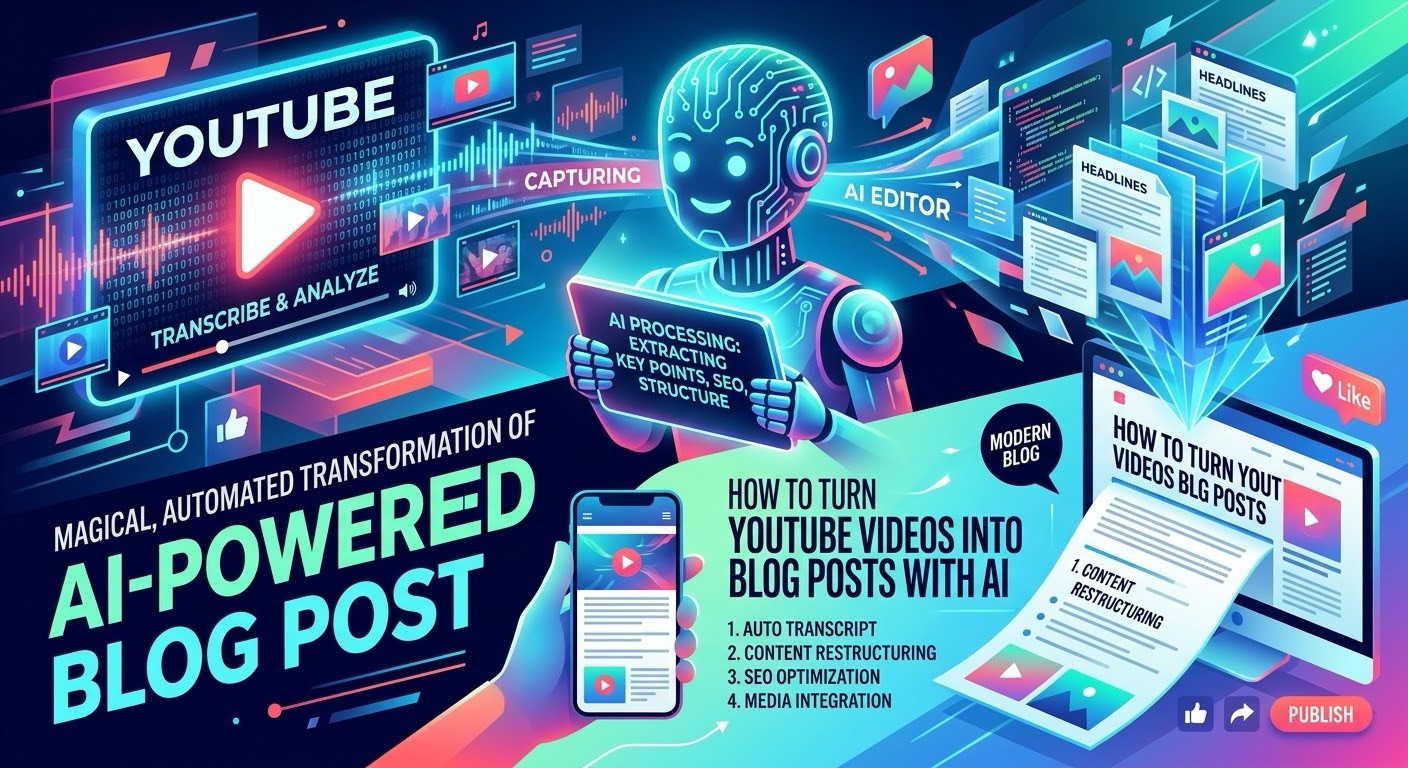
With AI, you can turn a YouTube video into a blog post much faster by using a simple three-step process: transcribe the video, transform the transcript into an article, and optimize it for SEO.
Here’s how to do it.
Step 1: Get the YouTube Video Transcript
The first step is converting your YouTube video into text.
Instead of manually watching the video and taking notes, you can use Clipto to transcribe video and audio content into text.
Clipto is designed to turn video and audio into text-based content that can be searched, edited, and repurposed. (Clipto)
How to use Clipto
- Find the YouTube video you want to repurpose.
- Upload or provide the video to Clipto.
- Generate the transcript.
- Review the transcript for obvious errors.
- Copy the transcript for the next step.
Tip: Choose videos that contain useful information, tutorials, interviews, or educational content. These tend to translate particularly well into blog posts.
Step 2: Turn the Transcript Into a Blog Post
A raw transcript usually isn’t ready to publish. It may contain filler words, repetition, conversational language, and a structure that doesn’t work well as a written article.
This is where JenniAI can help.
Jenni provides AI writing, editing, document organization, and AI chat features that can help turn your source material into a more polished piece of content. (Jenni.ai – Documentation)
Paste your transcript into Jenni and give it a prompt such as:
“Turn this YouTube transcript into a clear, engaging blog post. Create an SEO-friendly title, introduction, H2 headings, bullet points where appropriate, and a conclusion. Keep the important information from the original transcript but remove unnecessary repetition.”
You can then edit the article to make sure it accurately represents the original video.
Step 3: Optimize the Article for SEO
Once you have your first draft, the next step is optimizing it for search engines.
SEOWritingAI is built specifically around AI-assisted SEO content creation and optimization. It can analyze search results, generate long-form articles, work with keywords, and help optimize content for search. (Seowriting)
Take your draft and optimize it around your target keyword.
For example, if your video is about “how to use AI for social media marketing,” your target keyword could be:
AI for social media marketing
You can then use related keywords throughout the article naturally rather than simply repeating the same keyword over and over.
Step 4: Add Your Own Value
Don’t simply publish the AI-generated article word-for-word.
The best approach is to use the video as the foundation and then add your own expertise.
Consider adding:
- Your own introduction
- Additional examples
- Original screenshots
- Relevant statistics
- Personal opinions
- Frequently asked questions
- Links to related articles
- Links to useful tools
- A strong conclusion and CTA
This makes the article more useful than simply reproducing the video’s transcript.
Step 5: Add the YouTube Video to Your Blog Post
Embedding the original YouTube video can make the article more useful for readers.
You can introduce the video near the beginning of the article and then provide a written breakdown underneath it.
This gives visitors two ways to consume the content:
Watch the video → Read the detailed article
It can also help turn one piece of content into multiple formats.
The Complete AI YouTube-to-Blog Workflow
The entire process can be simplified into three tools:
YouTube Video → Clipto → JenniAI → SEOWritingAI → Published Blog Post
Here’s the workflow:
1. Clipto
Transcribe the YouTube video.
2. JenniAI
Turn the transcript into a readable, structured article.
3. SEOWritingAI
Optimize the article around your target keyword and search intent.
4. You
Add original insights, examples, links, images, and final edits.
Turn One YouTube Video Into Multiple Pieces of Content
The biggest advantage of this workflow is that you’re not limited to creating one blog post.
A single YouTube video can potentially become:
- A detailed blog post
- Several social media posts
- An email newsletter
- A LinkedIn post
- An X thread
- Pinterest content
- Short-form video ideas
- An FAQ article
- A downloadable guide
Instead of creating every piece of content from scratch, you can use the video as your original source and repurpose it across multiple channels.
Final Thoughts
Turning YouTube videos into blog posts doesn’t have to take hours.
With Clipto for transcription, JenniAI for writing and editing, and SEOWritingAI for SEO optimization, you can create a repeatable content-repurposing workflow.
The key is to use AI as a starting point—not a replacement for your own expertise.
Start with a valuable YouTube video, turn it into a strong first draft, add your own insights, optimize it for search, and publish.
Leave a Reply