
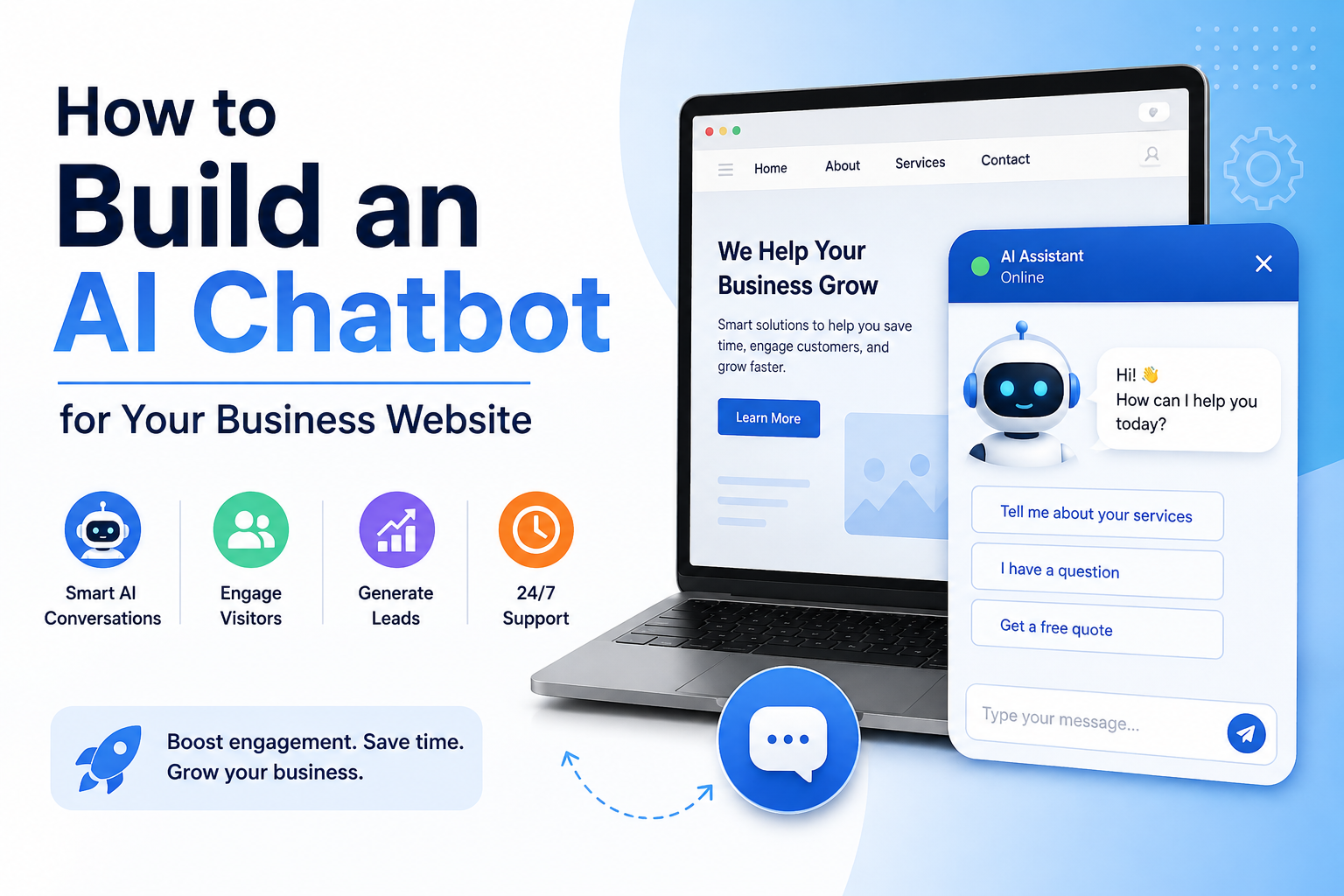
An AI chatbot can be a powerful addition to almost any business website. Instead of making visitors search through pages or wait for a response, an AI chatbot can answer common questions, explain your services, provide information and help customers find what they need.
The good news? You don’t necessarily need to hire a developer or build an AI system from scratch.
With modern no-code AI tools, you can create a chatbot based on your own business information and add it directly to your website.
Why Add an AI Chatbot to Your Website?
Website visitors often have questions before they’re ready to contact your business.
For example:
- “What services do you offer?”
- “How much does this cost?”
- “What are your hours?”
- “Do you serve my area?”
- “How do I get started?”
- “Can I book an appointment?”
An AI chatbot can provide instant answers to these questions, potentially reducing repetitive customer inquiries while helping visitors find information faster.
It can also provide support outside of your normal business hours.
Step 1: Decide What Your Chatbot Should Do
Before creating your chatbot, determine its primary purpose.
A service business might use a chatbot to explain its services and help generate leads. An e-commerce store could use one to answer product questions. A software company could use one for customer support.
Start by identifying your most common customer questions.
Your chatbot should have a clear purpose rather than trying to do everything.
Step 2: Give Your AI Access to Your Business Information
This is one of the most important steps.
Your chatbot needs reliable information about your business to provide useful answers.
Depending on your business, this could include:
- Website pages
- Product information
- Service descriptions
- Pricing information
- Frequently asked questions
- Company policies
- Help documentation
- PDF documents
- Customer support information
Instead of manually programming every response, platforms such as CustomGPT allow businesses to create AI agents using their existing content. CustomGPT supports website content, documents and numerous integrations, allowing businesses to create a chatbot based on their own knowledge.
Step 3: Customize Your Chatbot
Your chatbot should feel like part of your business not a generic AI assistant.
Customize things such as:
- Chatbot name
- Welcome message
- Brand appearance
- Tone of voice
- Types of questions it answers
- Information it should provide
- Actions it should take
For example, a roofing company could create a chatbot that welcomes visitors and helps them learn about roofing services, common problems and how to request an estimate.
Step 4: Teach It How to Handle Questions
Think about the conversations your customers typically have with your business.
Create guidelines for how the chatbot should respond.
For example:
Customer: “Do you provide free estimates?”
Chatbot: “Yes! We offer free estimates for qualifying projects. Would you like to learn how to request one?”
You can also establish rules for questions the chatbot shouldn’t answer. If it doesn’t have enough information, it’s better for the chatbot to direct the visitor to a human rather than confidently making something up.
Step 5: Add the Chatbot to Your Website
Once your chatbot is configured, you’ll need to deploy it to your website.
Many modern AI chatbot platforms provide website deployment options that don’t require extensive coding. CustomGPT, for example, offers website deployment as one of its use cases and is designed as a no-code platform. (CustomGPT.ai)
For a WordPress website, the process can be particularly straightforward depending on the chatbot platform you choose.
Ideally, the chatbot should be easy to find without interrupting the visitor’s experience.
Step 6: Test Before Launching
Don’t immediately put your chatbot in front of customers without testing it.
Ask it questions such as:
- What services do we offer?
- What are our prices?
- Where are we located?
- How can I contact you?
- What happens if I need a refund?
- Can I book an appointment?
- What makes your business different?
Also try asking questions that aren’t covered by your website.
The goal is to make sure the chatbot knows when it has enough information to answer and when it should refer the customer to your team.
Step 7: Keep Your Chatbot Updated
Your chatbot is only as useful as the information behind it.
If your business changes its:
- Prices
- Services
- Hours
- Policies
- Products
- Contact information
make sure your chatbot’s knowledge is updated as well.
An outdated chatbot can be worse than having no chatbot because it may give customers incorrect information.
What Can an AI Chatbot Do for Your Business?
Once properly configured, an AI chatbot can become much more than a basic FAQ tool.
Depending on the platform and setup, you can use one to:
Answer customer questions
Provide instant answers about your products, services and business.
Generate leads
Ask visitors questions and direct qualified prospects toward contacting your business.
Provide customer support
Help customers find answers without requiring your team to respond to every basic question.
Help visitors navigate your website
Point customers toward relevant pages, products or resources.
Provide 24/7 assistance
Allow visitors to get answers even when your business is closed.
Final Thoughts
Building an AI chatbot for your business website doesn’t have to require advanced programming or an expensive development team.
The basic process is simple: identify your customers’ questions, provide the AI with accurate business information, customize its behavior, deploy it to your website and continuously improve it.
For businesses looking for a no-code solution, CustomGPT is one option worth exploring. It allows businesses to create AI agents based on their own content and deploy them for customer-facing use cases.
An effective chatbot won’t replace your entire customer service team but it can handle many repetitive questions and give your customers a faster way to get the information they need.
Leave a Reply